Dark IR with Omega's 430/512/631TB
Publié le 8 septembre 2026

Following a conversation I had with Christoph where we discussed of a way to achieve very dark purple foliage with infrared, I put forward the idea that in order to achieve the darkest foliage, you had to "kill" the specific visible wavelengths it reflects (typically greens, yellows and oranges). If you don't, the foliage color you are trying to create with IR will always have to compete with these visible wavelengths. The visible wavelengths and the IR will blend together and desaturate the colors, making deep dark tones impossible.
The solution I found was to use filters that passes specific narrow bands of light and completely exclude others. Many of these filters are designed for astrophotography.
My first try was with an UHC filter (ultra hight contrast). It's used to observe nebulas and passes turquoise light, deep red and IR. I got the cheepest I could find on ebay (10euros). The result were good. I noticed however that there was significant differences between the announced transmission of the filter and its actual transmission.
Note : turquoise isn't reflected by plants. If you take black and white picture with 500nm narrow bandpass you'll get very dark greenry, reminiscent of UV.
My second try was with a much more sophisticated filter from Omega. The filter is not said to be made for astrophotography so its intended use is a bit of a mystery... The filter is described as a triple bandpass and is labelled 430-512-631TB. If we take IR into account it's more a quadruple bandpass :
.png.da748a7e4dbd2b2d5a5dffc3387a5c51.png)
First step for dark foliage : taking out the green, yellow and orange wavelengths with the TB430-512-631. What this filter does is substitute these wavelengths with turquoise. The green channel of the camera ends up filled with a blend of turquoise and some red.
The next step to achieve dark foliage is to drastically limit the amount of IR reaching the sensor. For this I combined Midopt's DB830 and Tangsinuo's GRB3. Together they cut 5 to 6 stops of IR.
The last step is to choose a colored filter that will induce a particular white balance to give IR its color. I chose Hoya Sepia A which is a warming filter. When white balancing to this filter the white balance goes cooler, pulling the IR color with it towards blue. You now have dark blue trees.
Now the combined transmission of the stack :
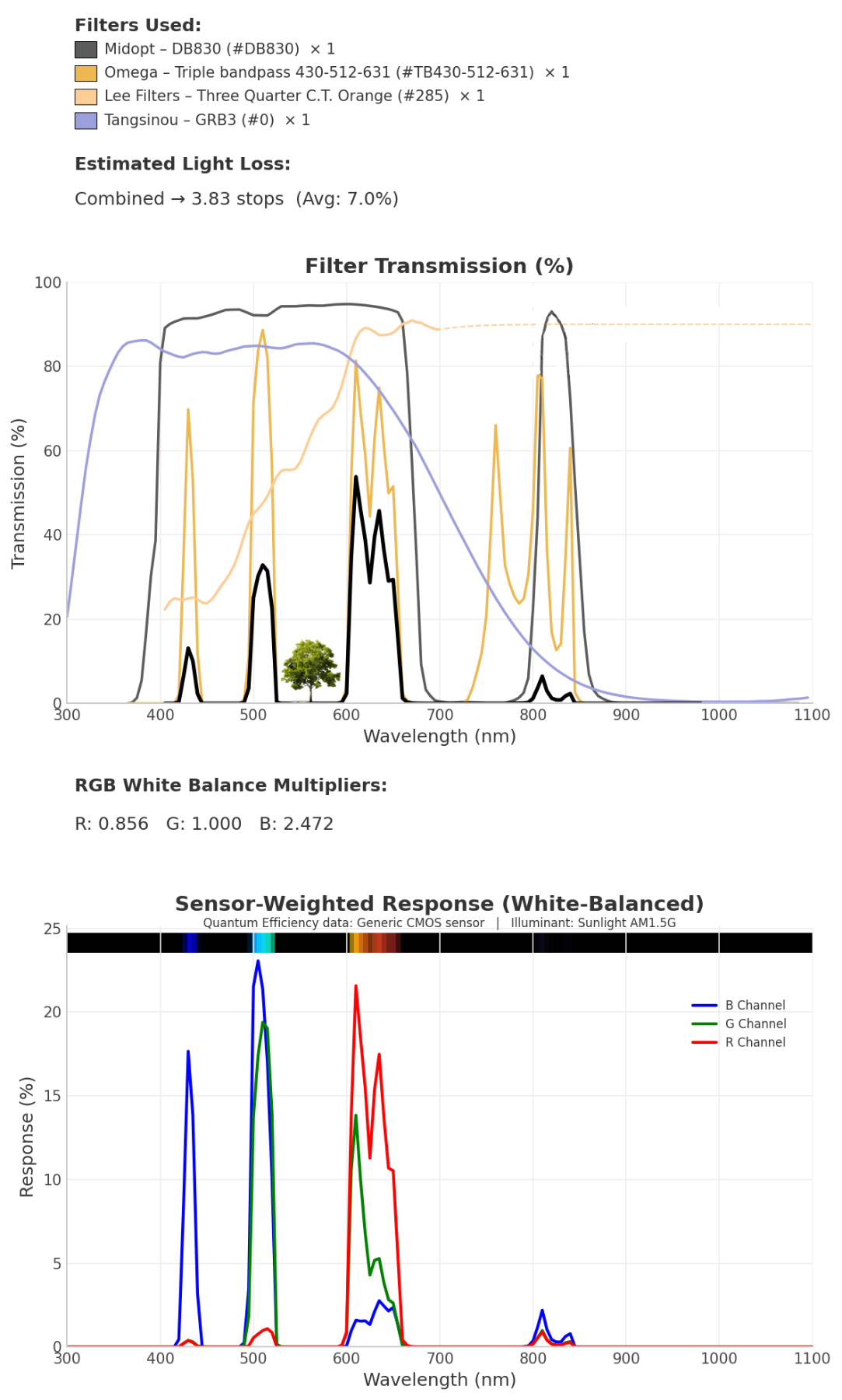
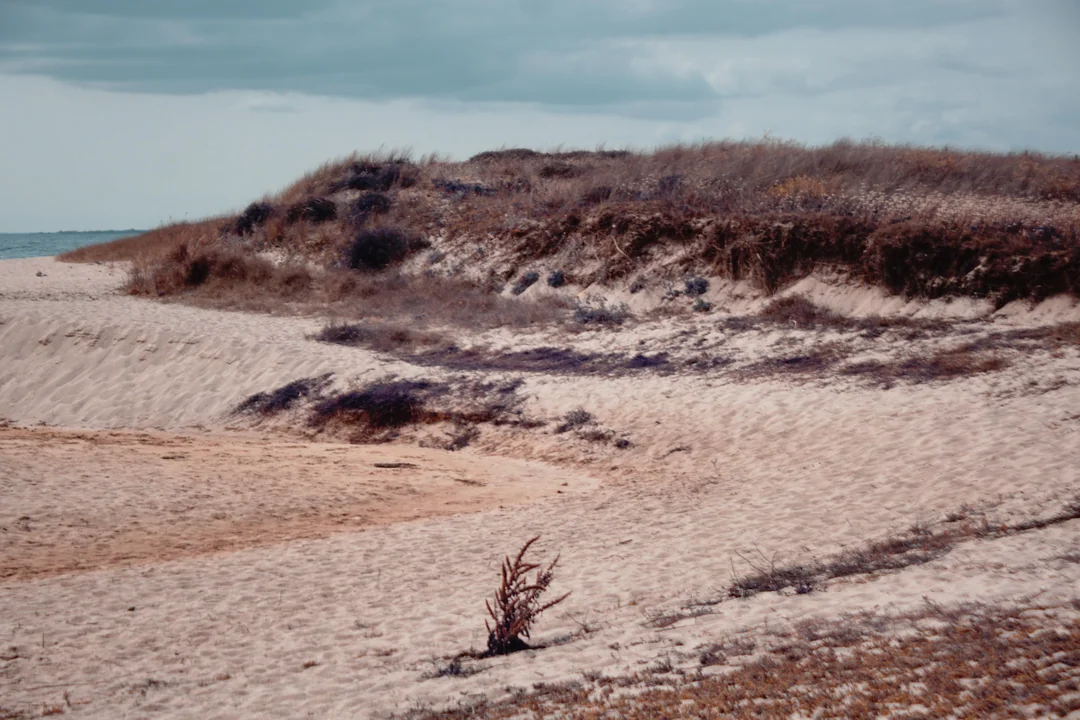
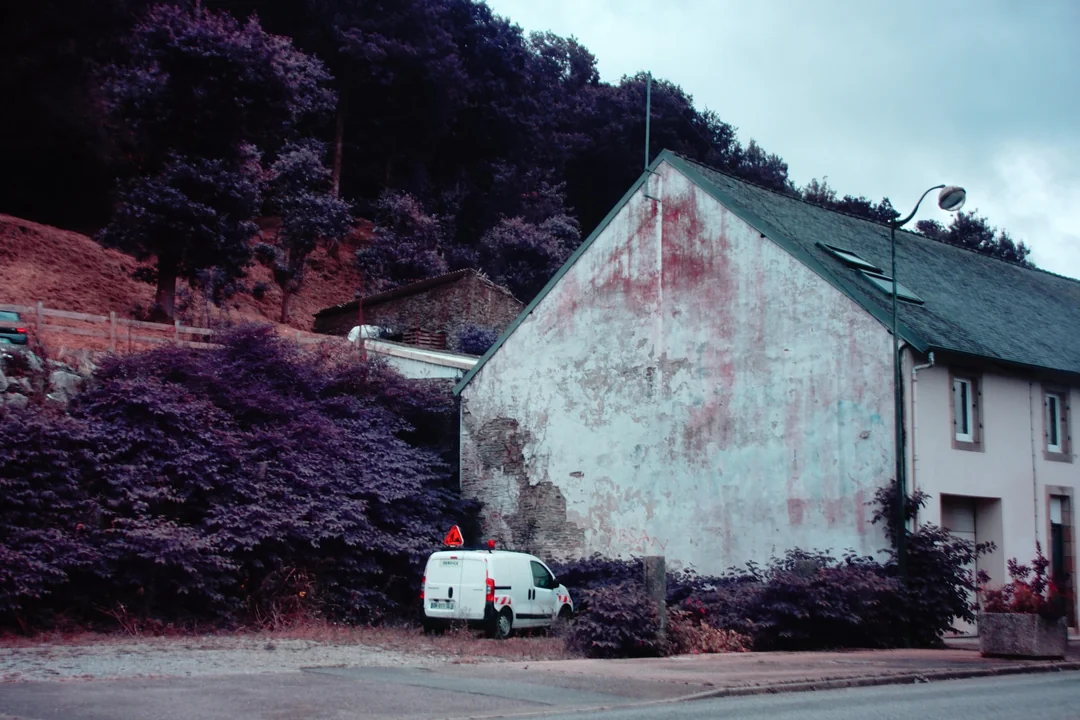
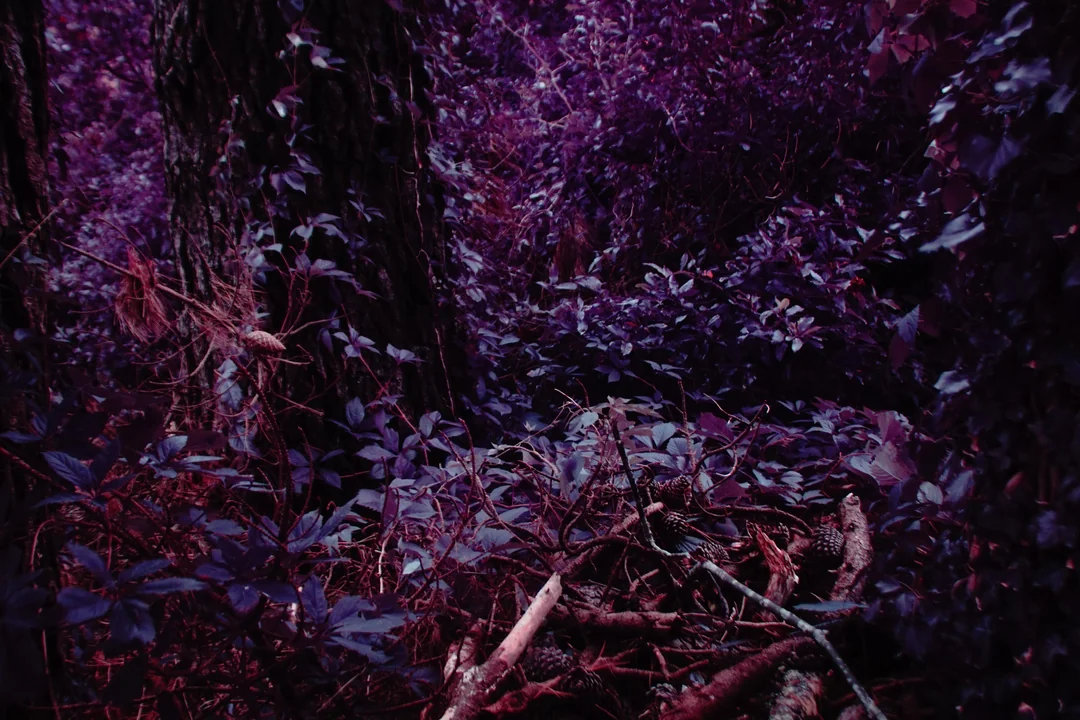
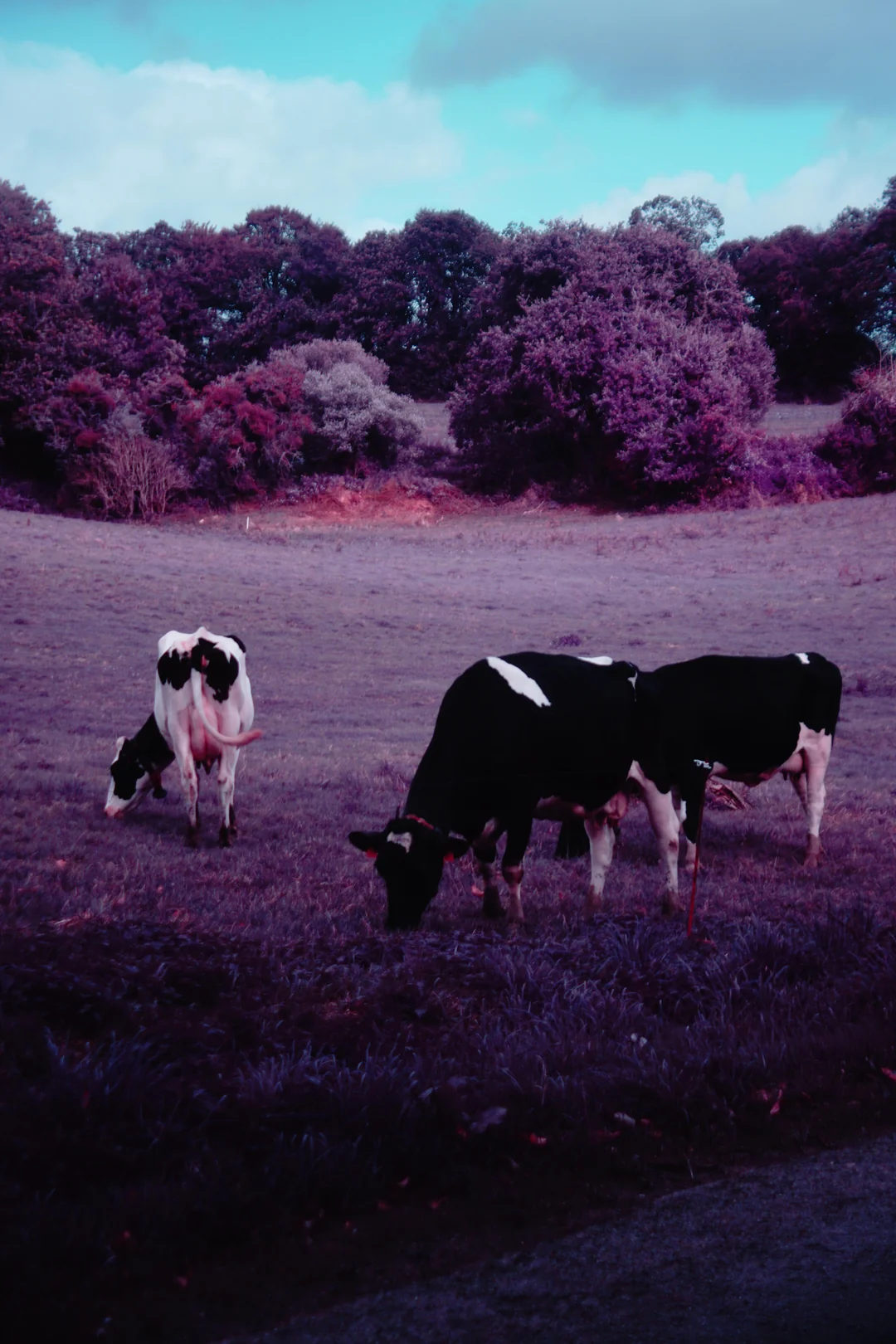
The following pictures are SOOC from the sony a6300. Picture style set to "clear" with contrast and saturation boosted and DRO (dynamic range optimizer) set to level 3.
The lens is broken and has a lot of coma blur. (it fell on the ground, one element might have been displaced inside).


On the beach :
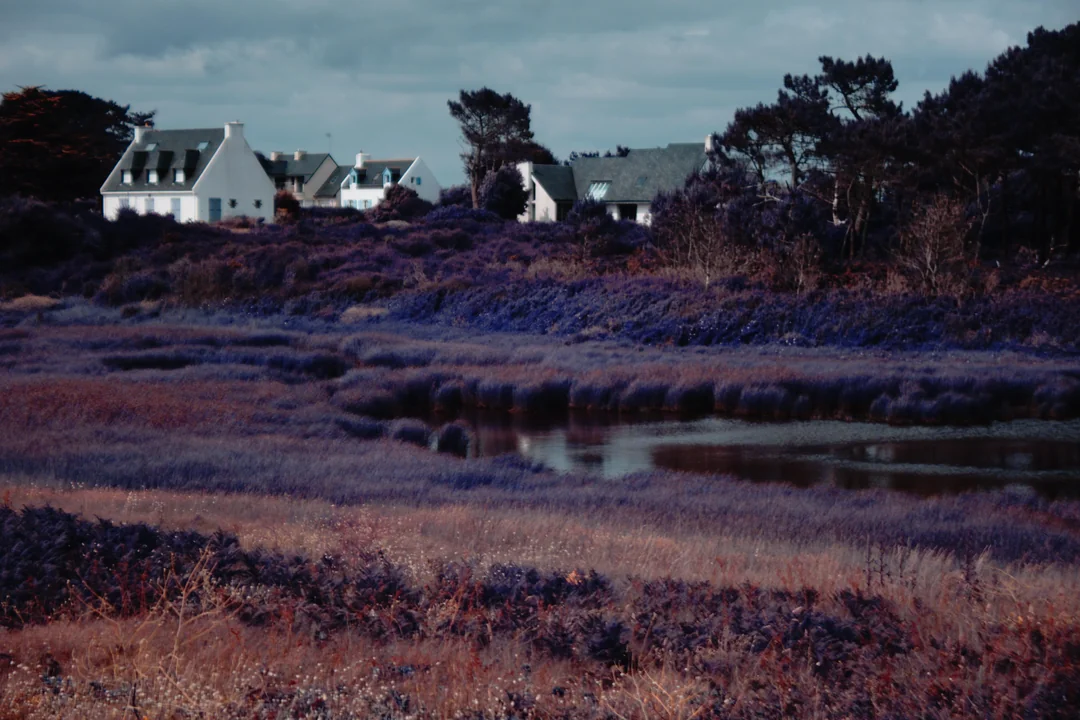
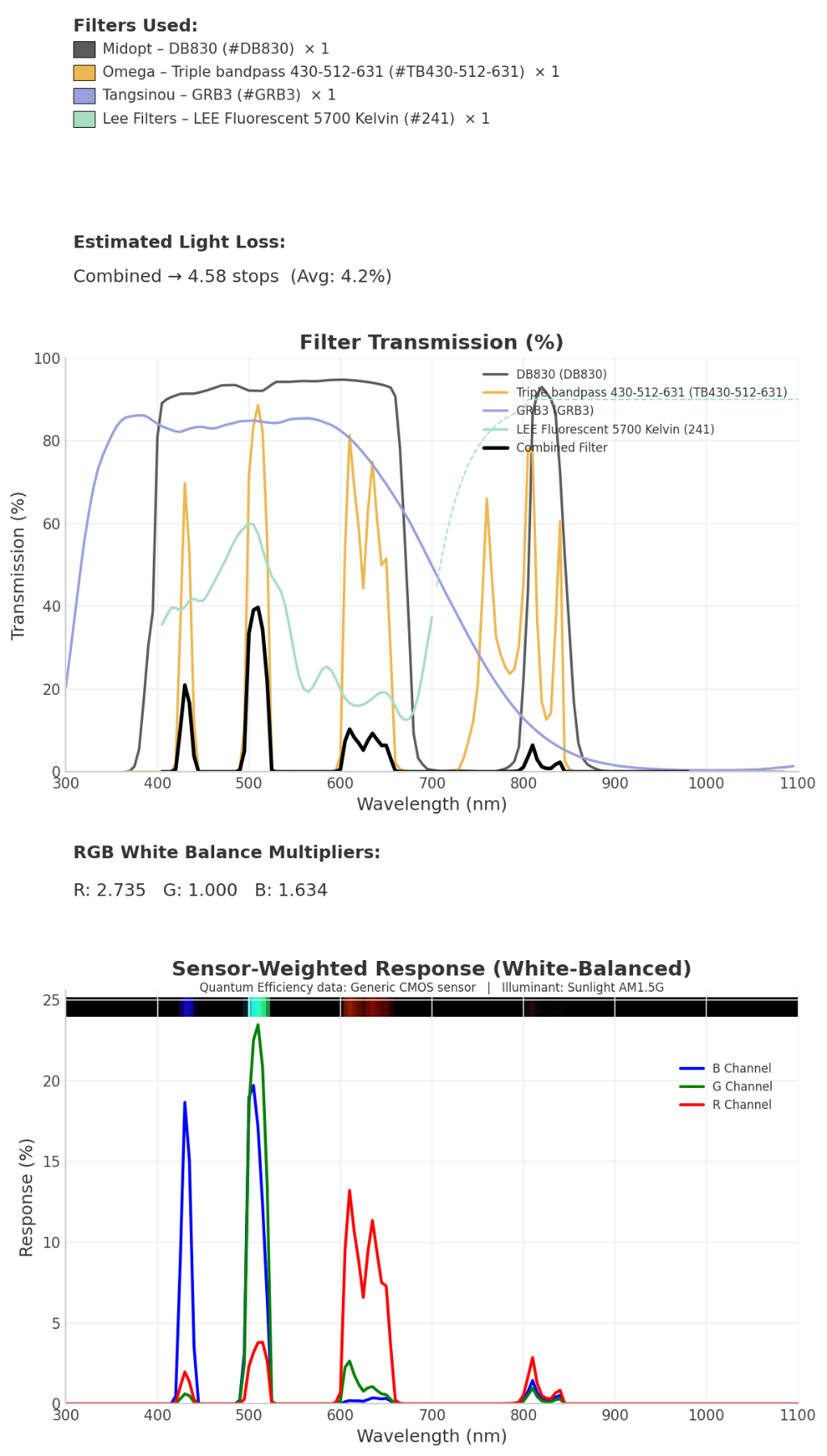
Let's swap the Sepia A filter for a green gel to get purple IR :

.webp)
Commentaires
Aucun commentaire pour le moment. Sois le premier à réagir.